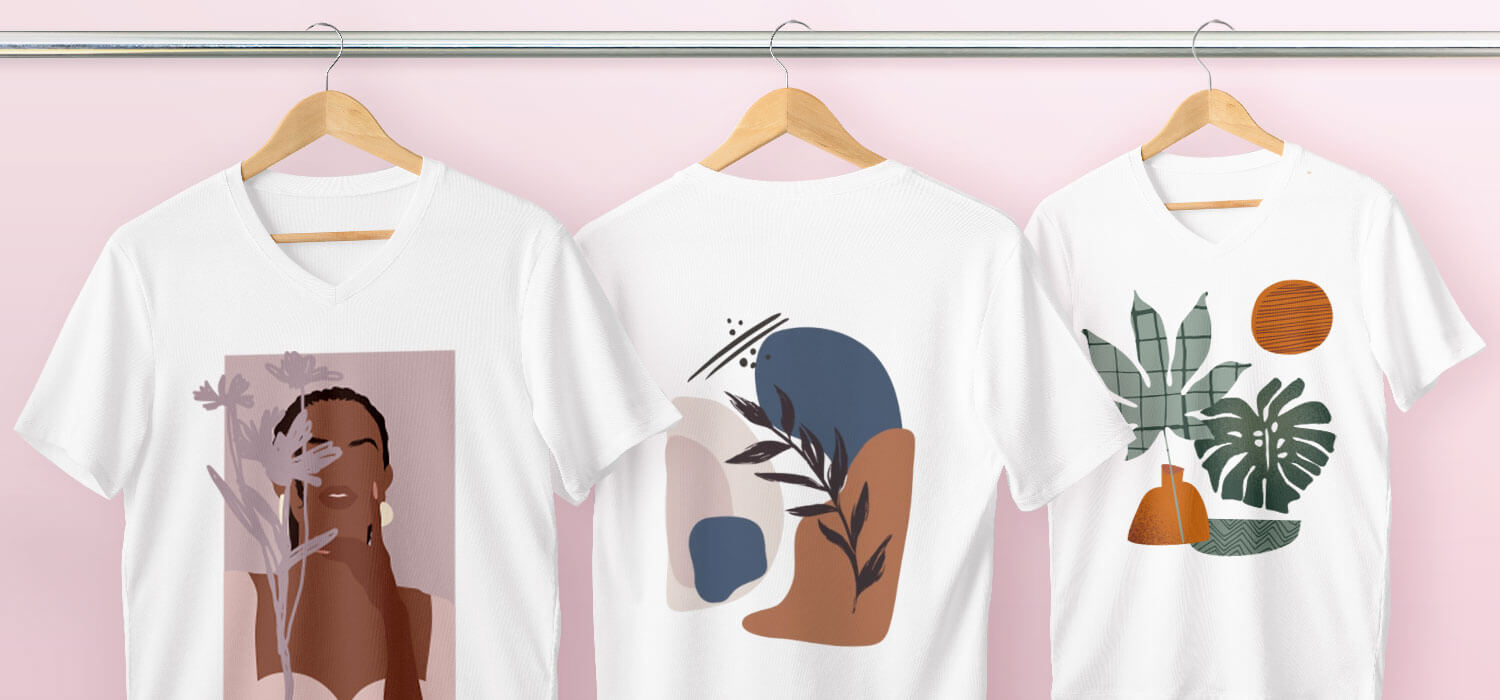
There’s something special about a great t-shirt. It’s more than just a piece of clothing; it’s a blank canvas for expression, a uniform for your favorite band, a walking advertisement for a small business, or a souvenir from a memorable event. And when it comes to creating durable, vibrant, and high-quality designs, one method has stood the test of time: screen printed t-shirts.
This technique is behind millions of the tees you see and wear every day. But what exactly is it? How does it work, and why is it so popular? Whether you’re a business owner looking to create merch, an event planner sourcing swag, or just a t-shirt enthusiast, this guide will walk you through everything you need to know about screen printed t-shirts.
Contents
- 1 What Are Screen Printed T-Shirts?
- 2 The Screen Printing Process: A Step-by-Step Breakdown
- 3 Why Choose Screen Printing? The Unbeatable Advantages
- 4 Screen Printing vs. Other Popular T-Shirt Printing Methods
- 5 A Beginner’s Guide to Designing for Screen Printing
- 6 Caring for Your Screen Printed T-Shirts: Make Them Last!
- 7 Frequently Asked Questions (FAQs)
- 8 Conclusion: The Timeless Appeal of a Well-Printed Tee
What Are Screen Printed T-Shirts?
At its heart, screen printing (also known as silk screening) is a printing technique that uses a mesh screen, ink, and a squeegee to transfer a stenciled design onto a fabric, most commonly a t-shirt.
Think of it like a sophisticated stencil. Ink is pushed through the fine mesh of a screen, but it only passes through the open areas of the stencil, creating your design on the garment underneath. Each color in a design requires a separate screen, which is why this method is so effective for bold, graphic designs with a limited number of colors.
The Screen Printing Process: A Step-by-Step Breakdown
Creating screen printed t-shirts is a multi-step process that blends art with science. Here’s how it typically works:
Step 1: Designing the Artwork
It all starts with a digital design. This artwork is usually created in vector-based software like Adobe Illustrator. For screen printing, the design is often separated into different color layers. A design with three colors would need three separate layers, each representing where that specific ink will be applied.
Step 2: Creating the Screens
Each color layer from the design is used to create a separate screen.
- A mesh screen is coated with a light-sensitive emulsion.
- A transparent film with the design for one color (a positive) is placed on the screen.
- The screen is exposed to bright light. The light hardens the emulsion everywhere except the areas covered by the design on the film.
- The screen is then washed, washing away the soft, unhardened emulsion and leaving a clean, open stencil of your design on the screen.
Step 3: Preparing the T-Shirt and Press
The t-shirt is placed securely onto a printing board attached to a press. The press holds the screens in perfect alignment (this is called “registration”) to ensure each color is printed in the right spot.
Step 4: The Printing Process
This is where the magic happens.
- The first screen is lowered onto the t-shirt.
- Ink is added to the top of the screen.
- Using a squeegee, the printer pulls the ink across the screen with firm, even pressure.
- The ink passes through the open areas of the stencil and onto the t-shirt.
- The screen is lifted, and the process is repeated for each color, one screen at a time.
Step 5: Curing the Ink
The printed shirt isn’t finished yet! The ink is still wet and needs to be permanently bonded to the fabric. This is done through curing, typically by passing the shirts through a conveyor dryer that applies intense heat. Proper curing is crucial for the durability and washability of your screen printed t-shirts.
Why Choose Screen Printing? The Unbeatable Advantages
Screen printing remains the go-to method for many for a handful of compelling reasons:
- Durability and Longevity: When done correctly, screen printing lays down a thick layer of ink that becomes part of the fabric. This results in a design that can withstand countless washes without cracking, peeling, or fading quickly.
- Vibrant, Opaque Colors: Screen printing ink is highly opaque, meaning it can lay down bright, vibrant colors even on dark garments. It’s the best way to get a true white or a neon color on a black t-shirt.
- High Efficiency for Large Orders: While the setup (creating screens) has a fixed cost, the actual printing process is very fast. This makes screen printing extremely cost-effective for medium to large batches of t-shirts.
- Versatility on Fabrics and Inks: It works on a wide range of materials beyond just cotton, including polyester, blends, and even tote bags. You can also use specialty inks like metallic, puff, glow-in-the-dark, or plastisol for different effects.
Screen Printing vs. Other Popular T-Shirt Printing Methods
How does screen printing stack up against the competition? Here’s a quick comparison:
| Feature | Screen Printing | Direct-to-Garment (DTG) | Heat Transfer Vinyl (HTV) |
| Best For | Bulk orders, simple designs, bold colors | Small orders, complex, full-color designs | Small batches, text, simple shapes, sportswear |
| Cost for Large Orders | Very Low (cost per shirt) | High | Medium |
| Cost for Small Orders | High (due to setup) | Low (cost per shirt) | Medium |
| Feel & Durability | Slightly textured, very durable | Soft, ink-soaked feel, good durability | Plastic-like feel, can crack or peel over time |
| Color Vibrancy | Excellent (especially on darks) | Good on lights, poor on darks without a white base | Excellent (vinyl is very bold) |
| Design Complexity | Limited colors, simple separations | Unlimited colors, photorealistic | Limited colors, simple shapes |
A Beginner’s Guide to Designing for Screen Printing
If you’re creating a design for screen printed t-shirts, keeping a few principles in mind will ensure a better final product and potentially lower costs.
- Keep it Simple, Especially at First: Intricate details and tiny, thin lines can be difficult to reproduce cleanly and may not hold up over time.
- Understand Color Count: Remember, each color typically requires a separate screen, which adds to the setup cost. A 1-color design is very affordable for bulk orders, while a 6-color design will be significantly more expensive.
- Use High-Contrast Artwork: Designs with clear separation between colors print best. Avoid subtle gradients and shadows unless you are specifically using a simulated process printing technique (which uses CMYK-like dots to create a full-color image).
- Choose the Right Garment: The t-shirt itself matters. A 100% cotton tee is the standard and easiest to print on. The color of the shirt will also affect your ink choices—you’ll often need a white base layer for bright colors on dark garments.
Caring for Your Screen Printed T-Shirts: Make Them Last!
You’ve invested in great screen printed t-shirts; now make sure they stay that way. Proper care will extend their life for years.
- Wash Inside Out: This protects the design from friction with other clothes in the wash.
- Use Cold Water: Hot water can cause the fabric to shrink and the ink to crack.
- Skip the Fabric Softener: Softener can degrade the adhesive qualities of the ink over time.
- Tumble Dry Low or Air Dry: High heat is the enemy of both the ink and the cotton fabric. Air drying is the gentlest option.
- Avoid Ironing Directly on the Design: If you must iron, iron the shirt inside out or avoid pressing directly on the printed area.
Frequently Asked Questions (FAQs)
Q1: How many shirts do I need to order for screen printing to be cost-effective?
A: It varies by printer, but screen printing generally becomes the most cost-effective option for orders of 24+ shirts. For smaller quantities, DTG or heat transfer vinyl might be more economical due to the high initial setup costs for screens.
Q2: Can you screen print a full-color photograph?
A: Yes, but not with standard spot-color printing. To recreate a photograph, printers use a technique called “simulated process” or “CMYK process” printing, which uses halftone dots of cyan, magenta, yellow, and black (and often white) to simulate the full spectrum of colors. This requires significant expertise and is more expensive.
Q3: What’s the difference between plastisol and water-based inks?
A: This is a key distinction!
- Plastisol: The most common ink. It’s PVC-based, sits on top of the fabric, and is very opaque. It has a slightly plastic-like feel and needs heat to cure.
- Water-Based: This ink soaks into the fabric, resulting in a much softer, more breathable “hand” (feel). It’s less opaque on dark garments but is preferred for a vintage, faded look.
Q4: How long does it take to get an order of screen printed t-shirts?
A: From placing the order to delivery, typically allow 1-3 weeks. This timeframe includes processing your artwork, creating screens (if it’s a new design), printing, and curing. Rush services are often available for an additional fee.
Q5: Are there eco-friendly screen printing options?
A: Yes! The industry is becoming more sustainable. Look for printers that use:
- Water-based inks (which are less plastic-heavy).
- Phthalate-free plastisol inks.
- Shirts made from organic cotton, recycled polyester, or other sustainable materials.
- Efficient reclaiming systems to clean and reuse screens.
Conclusion: The Timeless Appeal of a Well-Printed Tee
In a world of fleeting digital trends, screen printed t-shirts remain a physical, tangible form of connection and identity. The technique offers a unique combination of quality, durability, and vibrant color that is hard to beat for group orders, brand merchandise, and any project where making a bold, long-lasting statement is the goal.
Understanding the process, the costs, and the design principles empowers you to make the best choice for your next project. So, whether you’re outfitting a team, launching a clothing line, or just creating the perfect gift, screen printing offers a proven path to a fantastic final product. Now go create something amazing