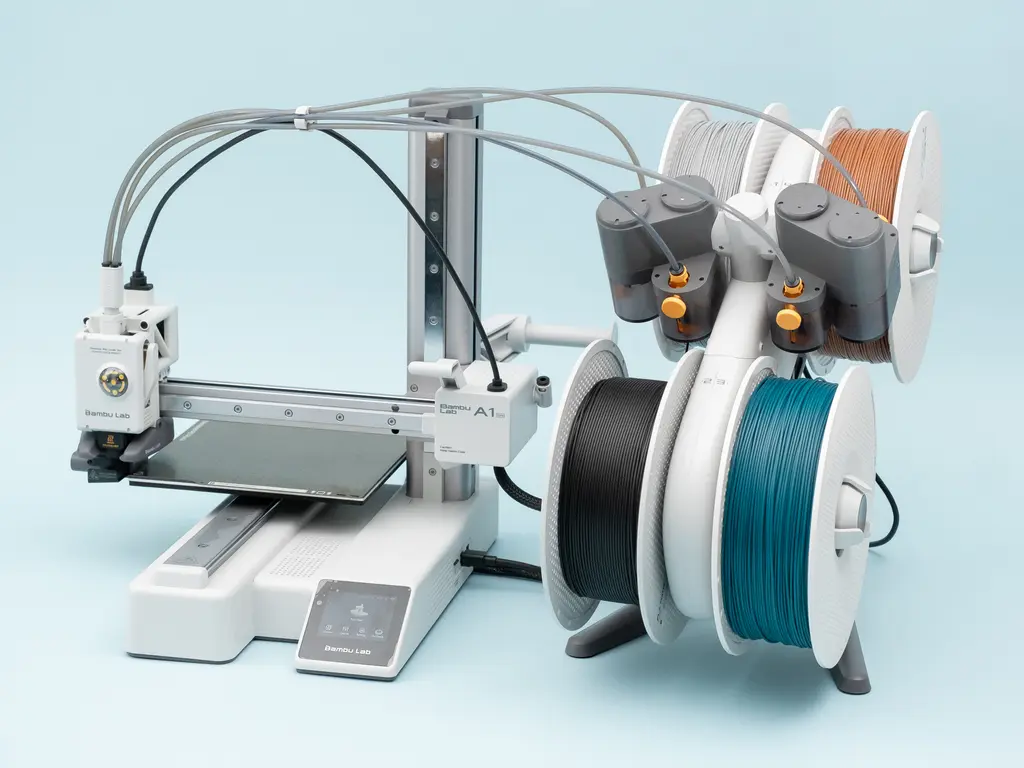
Certain unique qualities make these software options top choices in the 3D printing community. Using them, users can reduce printing errors, improve efficiency and effectiveness, and since the processes are simple, they also save time. All five software tools are excellent in terms of performance. Below are their notable key features and benefits so it becomes convenient for you to choose.
OrcaSlicer
Notable Key Features:
- Onboard Calibration Tool: This is the biggest advantage because it has several guided tests to perfect the settings of the printer and filaments.
• Multi-Printing Compatibility: Although it is based on specific code, it supports different brands of printers.
• Active Community and Open Source: A huge community is active behind OrcaSlicer. This type of presence attracts more users. Since it is open source, there is no chance of malware or hidden viruses.
• Remote Printing: You can control the printer remotely by accessing the printer interface through the dedicated “Device” tab in the software. And the beneficial part is that it is completely free to use.
Benefits
OrcaSlicer is widely known for fast slicing, accurate results, and a beginner-friendly interface. It offers a high-quality printing experience with a smooth workflow. And it is 100% free to use with perfect results.
Visit here to Try out Orca Slicer & its features – https://orcasslicer.com/
PrusaSlicer
Notable Key Features:
- Inbuilt G-code Viewer: PrusaSlicer comes with a built-in, powerful viewer that allows you to inspect each detail before starting, helping with troubleshooting.
• Dynamic Layer Height: Through this feature, you can change the layer thickness of different parts of the model as needed.
• Paint-on Support: This feature allows the user to mark exactly where support is required by coloring the model, ensuring supports are created only in necessary areas.
Benefits
You don’t need to pay anything to use PrusaSlicer. It’s 100% free and open source. If you are a newbie, you don’t have to worry about its UI because navigation is simple. Its auto-support generation also saves time and materials. It is reliable software for everyone.
Ultimaker Cura
Notable Key Features:
- Huge Configuration Library: Ultimaker Cura has 400+ individual settings, which is one of its best features.
• Broad Hardware Support: It includes hundreds of third-party printer profiles and allows easy addition of new brands.
• CAD Compatibility: There are plugins for importing 3D models directly from various popular CAD programs, making the design-to-print workflow faster.
• Tree Supports: These special supports form a tree-like structure and are easy to detach from the model after printing.
Benefits
Ultimaker Cura provides a user-friendly interface and assures high-quality results. If there is any error, it can be corrected in advance through the live preview section. The plugin support also allows customization. It is completely free and ensures high-quality output.
Simplify3D
Notable Key Features:
- Fast 3D Slicing: Simplify3D is well known for its fast slicing process. It can quickly slice large and complex models, saving a lot of time and improving workflow.
• Multi-Process Printing: This feature allows you to apply different settings to different parts of a model in the same printing job.
• Model Simulation: It shows a highly detailed and realistic animated preview of the printing process, making it easier to correct mistakes.
• Automatic Repair System: It can automatically detect and fix geometric errors in 3D model files.
Benefits
Simplify3D is very useful for larger and more complex models. It handles complex and large models very efficiently. It supports over 600 printer models.
Chitubox
Notable Key Features:
- Resin-Optimized Workflow: Chitubox is highly popular for its resin-specific features, including hollowing and drainage holes.
• SLA/DLP Custom Settings: It offers vital settings such as layer height, exposure time, and lift distance.
• Smart Support System: Chitubox automatically generates efficient supports and gives users precise control.
• Model Optimization & Error Diagnosis: The software instantly finds errors in the 3D model and fixes them to make printing reliable.
Benefits
Easy UI, smooth workflow, and fast processing make this tool very useful. Most resin printers work with Chitubox without requiring separate software. It comes in two versions—Chitubox Basic and Chitubox Pro—both offering extensive benefits.
Conclusion
Having good software for your 3D printing setup will make your printing journey easier, more efficient, and higher in quality. Your choice will directly affect your 3D printing outcome. OrcaSlicer, PrusaSlicer, Ultimaker Cura, Simplify3D, and Chitubox ensure ideal results. If you are a beginner, Ultimaker Cura and OrcaSlicer are excellent options. If you are an expert, you can try Simplify3D, and for resin printing, Chitubox is a must. These are the 5 best 3D printing software programs—now it’s your turn to choose the one that fits your needs.